
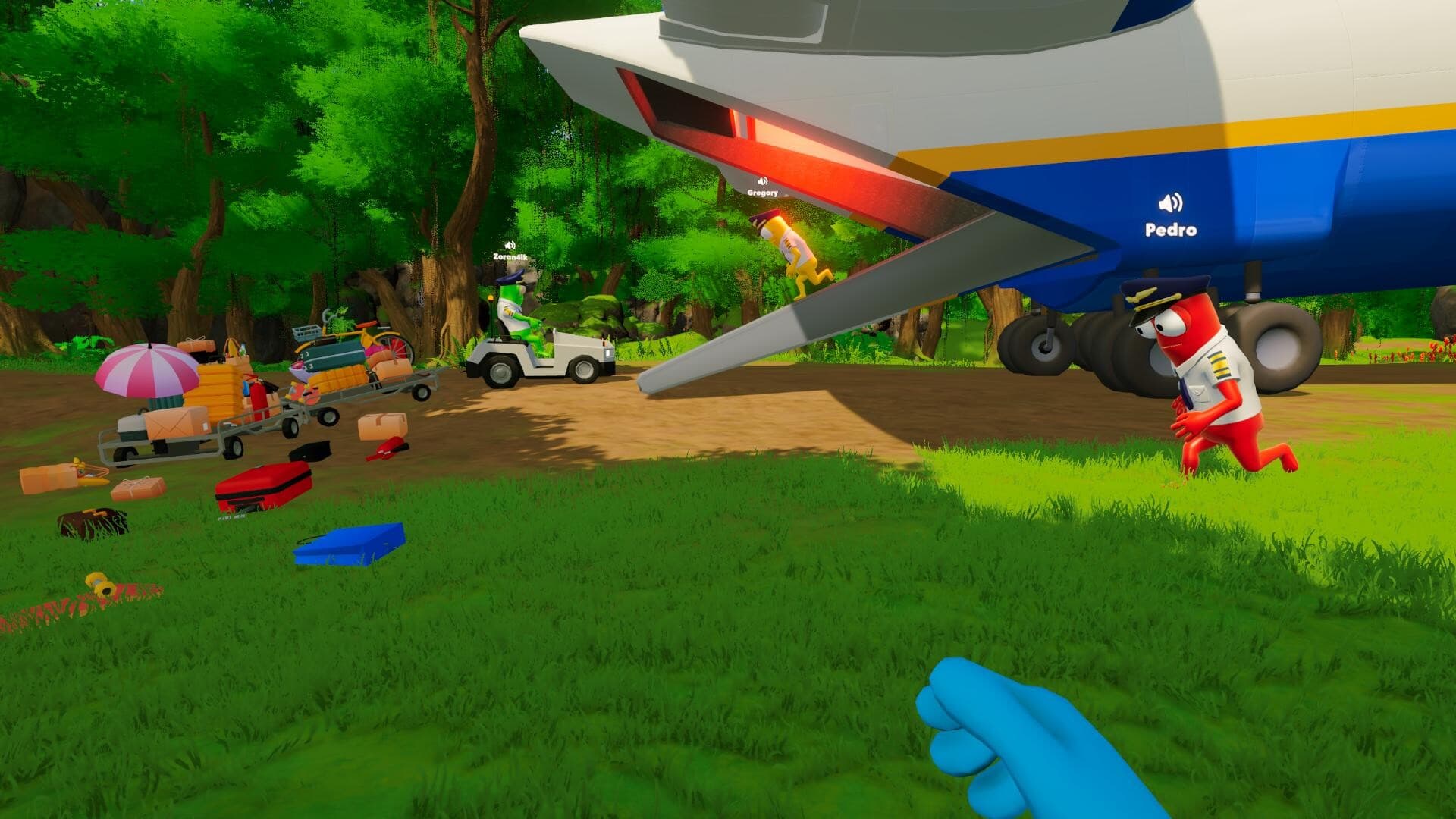
How a Dear Passengers flight works
Dear Passengers is built around running a dangerously unreliable airline flight. Before departure, the crew chooses passengers and cargo. During the flight, one person handles the aircraft while the cabin crew serves passengers, protects cargo, and contains problems before they become disasters. The official Steam description also confirms dynamic weather, turbulence, air pockets, and physics-driven chaos.
The game is not publicly playable yet, so this guide sticks to the loop FLEXUS has described. We will not pretend to know the best strategy, final controls, progression, or mission balance before players can try it.
1. Build the flight before takeoff
The first confirmed decision happens on the ground. Players choose which passengers and cargo to bring aboard. FLEXUS frames this as a risk-and-reward choice: larger payouts tend to arrive with harder cargo or more troublesome passengers.
That means a flight is not simply selected and started. Its potential problems are partly shaped by the manifest. A cautious crew may prefer a manageable load, while a more confident team may accept difficult passengers or cargo in exchange for a higher reward. The exact economy, selection interface, and limits have not been documented yet.
A useful pre-flight mindset
- Read the available passenger and cargo information before committing.
- Balance potential payout against the number of problems the crew can realistically monitor.
- Decide who will pilot and who will own cabin tasks before the aircraft is under pressure.
- Do not treat trailer props as confirmed equipment unless FLEXUS names their function.
2. Divide the cockpit and cabin workload
The clearest division is between the pilot and the crew working inside the cabin. The pilot keeps the aircraft moving toward its destination. Other players serve passengers, manage cargo, and respond to whatever goes wrong. See our crew roles table for a closer comparison.
FLEXUS has not published a formal class system, skill tree, or locked role roster. For now, “pilot” and “cabin crew” are best understood as responsibilities visible in the premise, not confirmed character classes with permanent abilities.
3. Keep the flight from cascading into failure
Dear Passengers appears to create pressure by stacking ordinary service work with abnormal emergencies. Passengers expect food, drinks, and a smooth journey, while the aircraft, cargo, and people in the cabin can produce urgent problems. The team must decide what needs attention now and what can wait.
The important word is cascade. Steam describes stopping one problem from becoming a full-blown disaster. A loose object during turbulence may become a hazard; an ignored passenger may become harder to control; damaged cabin areas may demand attention while routine service is still unfinished. Exact fail states are not yet listed.
A simple way to talk when the cabin gets loud
Try short callouts that name the location, problem, and requested action. “Rear cabin, loose cargo, need one crew member” is more useful than “everything is broken.” Keep the pilot informed about cabin problems that affect the flight, but do not flood the cockpit with every spilled drink.
4. Expect weather and physics to reshape priorities
Dynamic weather, turbulence, and air pockets are confirmed features. Steam states that these forces can throw passengers, luggage, and anything else that is loose around the cabin. The result is a moving workspace: a safe object or person may become a new problem after a rough maneuver or weather event.
It makes sense to prepare for changing conditions, but nobody can write a real weather chart or promise that a specific item can always be secured in one way yet. Those answers need a public build or a detailed explanation from FLEXUS.
5. What counts as a successful flight?
The stated job is to deliver passengers and cargo to their destination—preferably in one piece. Higher-risk manifests offer better payouts, suggesting that success includes both completing the trip and protecting valuable or difficult loads. FLEXUS has not yet explained grades, rewards, upgrades, route progression, or penalties.
Until those systems are public, the safest interpretation is simple: reach the destination while controlling enough of the cabin, passenger, cargo, and aircraft problems to prevent the run from collapsing.
What we know so far
Already announced
- Pre-flight passenger and cargo selection affects risk and payout.
- Players can pilot the plane or work inside the cabin.
- Passengers, cargo, and cabin chaos use physics-based interactions.
- Weather includes turbulence and air pockets.
- Single-player and online co-op are listed on Steam.
Still waiting on FLEXUS
- Final controls, tutorial structure, difficulty options, and accessibility settings.
- Maximum co-op player count and whether roles can be reassigned mid-flight.
- Progression, upgrades, route count, mission length, scoring, and fail conditions.
- Whether every interaction shown in promotional media will appear unchanged at launch.
What to check when a public build arrives
Start by reading the control and accessibility menus instead of relying on trailer assumptions. Test how passenger and cargo descriptions communicate risk, how the game signals urgent cabin events, and which actions require coordination. Then verify whether a solo session changes the workload or supplies assistance. We will replace this section with tested instructions only after a public build can be checked directly.